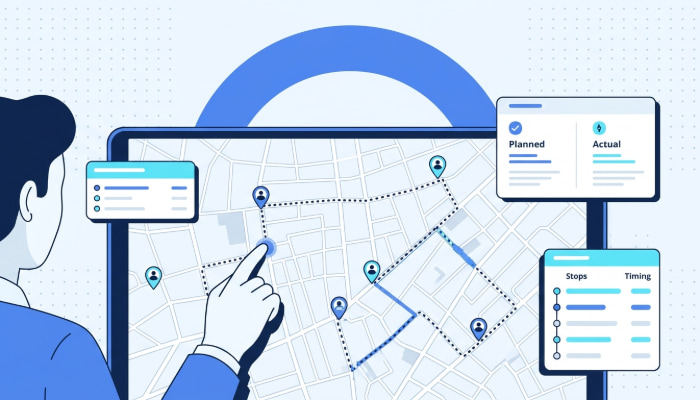

Managing a fleet without real-time visibility can quickly lead to delayed deliveries, inefficient routes, rising fuel costs, and poor customer experiences. As delivery operations become more complex, businesses need better ways to monitor vehicles, improve driver accountability, and optimize daily operations at scale.
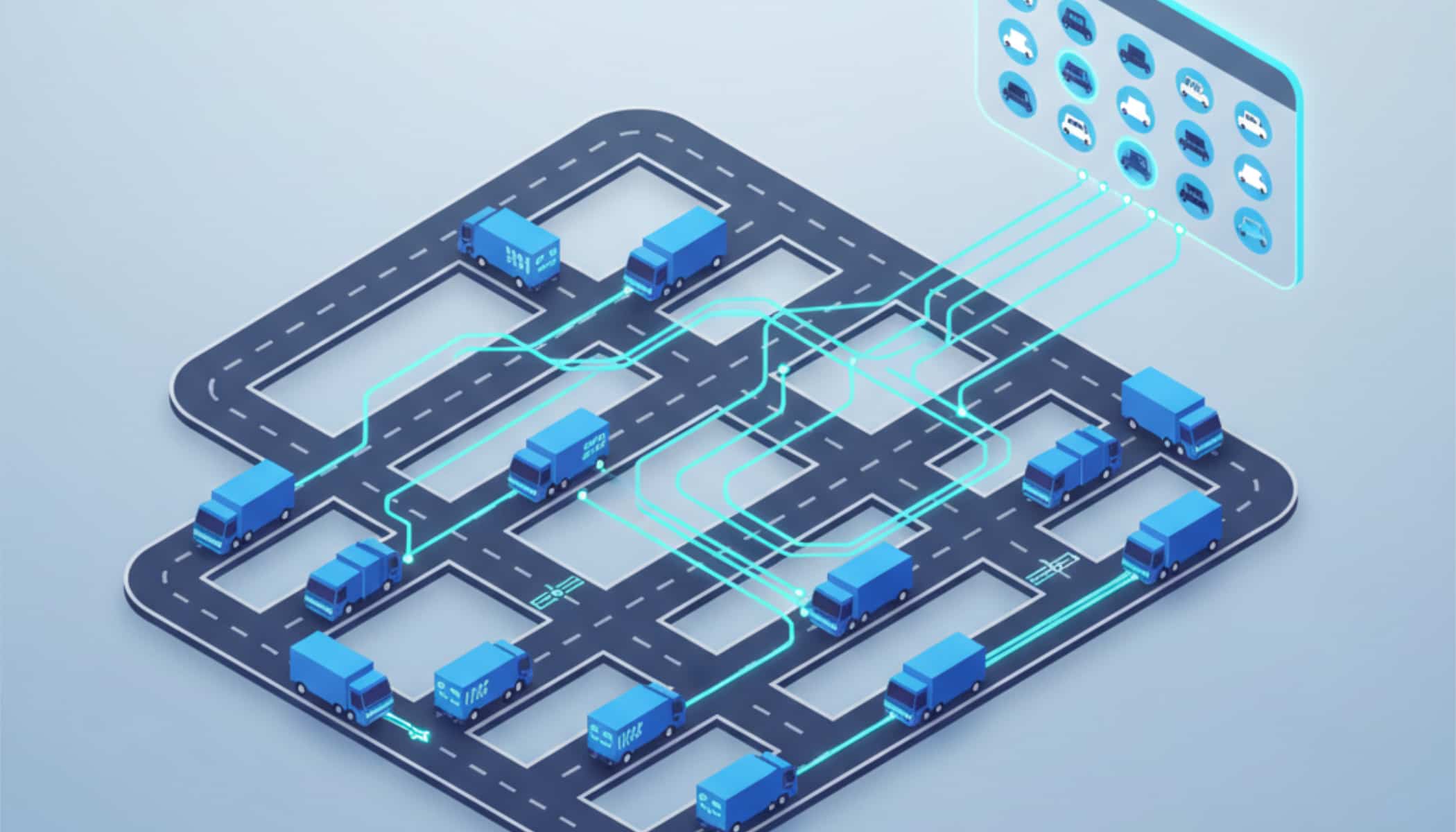
Vehicle tracking software helps businesses solve these challenges by providing real-time GPS tracking, route monitoring, driver insights, and fleet performance data from a centralized platform.
Whether you manage delivery vans, field service vehicles, trucking fleets, or logistics operations, the right tracking system can improve operational efficiency while reducing costs and delays.
In this guide, we’ll cover everything you need to know about vehicle tracking software, including how it works, its key benefits, essential features to look for, implementation best practices, the top software options available, and how to choose the right solution for your business.
Table of Contents
- What Is Vehicle Tracking Software?
- Why Fleet Managers Need Vehicle Tracking Software
- 6 Capabilities to Evaluate in Any Vehicle Tracking Platform
- Top 5 Vehicle Tracking Software in 2026
- How to Implement Vehicle Tracking Software
- Common Challenges in Implementing Vehicle Tracking Software
- How to Choose the Right Vehicle Tracking Software
- Simplify Fleet Visibility and Routing with Upper
- Frequently Asked Questions on Vehicle Tracking Software
What Is Vehicle Tracking Software?
Vehicle tracking software is a centralized platform that provides fleet managers with real-time visibility into vehicle locations, driver activity, and operational performance from a single dashboard. Unlike standalone GPS trackers that only show location pins on a map, modern vehicle tracking software integrates fleet tracking with route optimization, driver management, analytics, and alerts to create a complete operational layer for fleet operations of any size.
Core Components of a Vehicle Tracking System
An effective vehicle tracking system integrates six foundational components into one operating layer:
- Real-time GPS location tracking provides live positions, speed, stop status, and estimated arrival times for every vehicle.
- Route history and replay show where each vehicle traveled, how long it stopped, and whether it deviated from the planned route.
- Driver activity monitoring captures schedule adherence, idle time, and stop completion data.
- Geofencing and alerts trigger automated notifications when vehicles enter or exit defined zones.
- Analytics dashboards surface fleet utilization, fuel consumption, and on-time performance.
- Maintenance and compliance triggers monitor mileage-based alerts and inspection reminders.
These components work together so that a geofence alert triggers when a vehicle deviates, which feeds into analytics and driver performance data simultaneously. When they operate as disconnected tools, fleet managers spend more time reconciling data than acting on it.
Fleet tracking without hardware via smartphone GPS has made tracking accessible to SMBs that previously could not justify hardware installation costs.
How Vehicle Tracking Software Differs from Basic GPS Trackers
Although the terms are often used interchangeably, vehicle tracking software and basic GPS trackers are not the same. A GPS tracker mainly focuses on showing a vehicle’s real-time location, while vehicle tracking software provides a complete fleet management system with analytics, route optimization, reporting, driver monitoring, and operational insights.
| Feature | Vehicle Tracking Software | Basic GPS Tracker |
| Real-Time Location Tracking | Yes | Yes |
| Route Optimization | Yes | No |
| Driver Behavior Monitoring | Yes | Limited or unavailable |
| Delivery & Fleet Analytics | Yes | No |
| Reporting & Dashboards | Advanced | Basic |
| Dispatch & Route Management | Included | Not available |
| Alerts & Notifications | Customizable | Limited |
| Scalability | Designed for fleets | Best for simple tracking |
| Business Use Case | Fleet operations management | Vehicle location tracking |
Basic GPS trackers are useful for businesses that only need visibility into where vehicles are located. However, they typically lack the operational tools needed to improve delivery performance, reduce fuel usage, manage drivers, or scale fleet operations efficiently.
Vehicle tracking software goes beyond location monitoring by helping businesses automate dispatching, optimize routes, track driver productivity, improve ETA accuracy, and analyze fleet performance from a single platform.
Why Fleet Managers Need Vehicle Tracking Software
Fleet operations that rely on phone calls, text messages, and spreadsheets to monitor vehicles absorb hidden costs every week. A dedicated vehicle tracking software platform eliminates these inefficiencies by providing real-time visibility and automating coordination across drivers, vehicles, and routes.
Eliminate Blind Spots with Real-Time Fleet Visibility
Without live tracking, dispatchers have no way to verify vehicle locations, respond to delays, or coordinate coverage when breakdowns occur. A breakdown on a delivery route can go unnoticed for 20 or more minutes, cascading delays across the entire schedule.
Real-time visibility turns reactive scrambling into proactive fleet coordination. Fleets using vehicle tracking software report a 12% improvement in on-time delivery performance, according to industry benchmarks.
Reduce Fuel Costs Through Route Optimization and Idle Monitoring
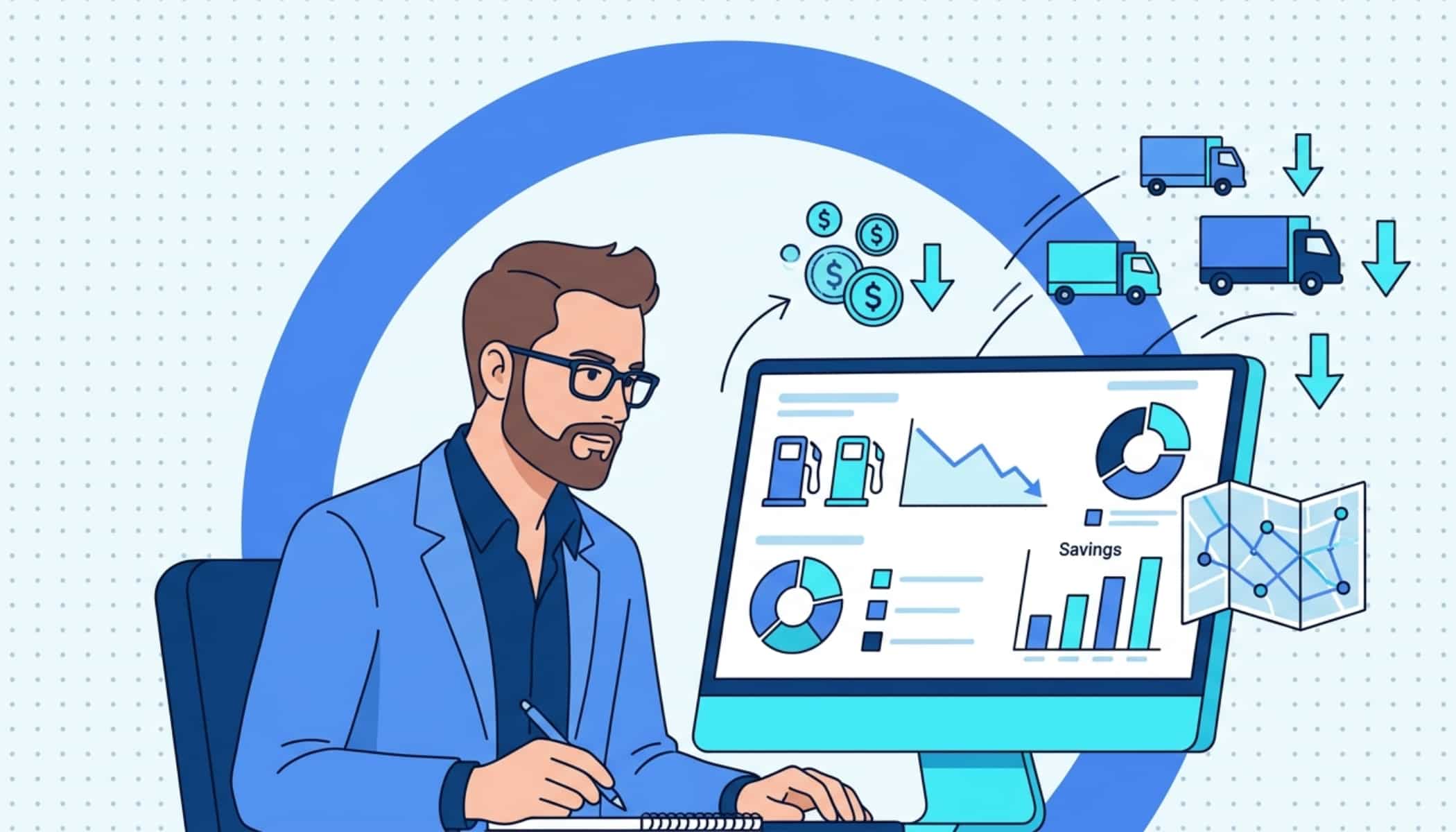
Vehicle tracking software identifies fuel waste from two directions: inefficient routes and excessive idling. Route optimization reduces unnecessary mileage, while idle time alerts surface vehicles burning fuel while stationary.
Combined, fleets report 15-25% fuel cost reductions. For a fleet spending $5,000 per month on fuel, that translates to $750 to $1,250 in monthly savings and a significant reduction in manual vehicle tracking costs.
Improve Driver Accountability and Performance
Driver tracking transforms subjective management into data-driven oversight. Instead of relying on self-reported timesheets or customer complaints, managers review objective data on schedule adherence, stop times, and route compliance.
Delivery driver tracking apps provide the driver-facing component that feeds performance data back to the management dashboard. Fleets with GPS tracking report that unauthorized vehicle use drops by up to 30%.
Scale Operations Without Scaling Administrative Overhead
A vehicle tracking system built for growth lets fleet managers add vehicles, drivers, and routes without proportionally increasing coordination burden.
The same workflows that manage 10 vehicles scale to handle 50 or more without requiring additional dispatchers or administrative staff. When operations grow from a handful of routes to dozens, centralized tracking absorbs the expansion without adding headcount.
The return on vehicle tracking software shows up in lower fuel costs, fewer blind spots, and the operational bandwidth to grow without hiring additional coordinators.

See it in action
Track Every Driver's Location and ETA in Real Time
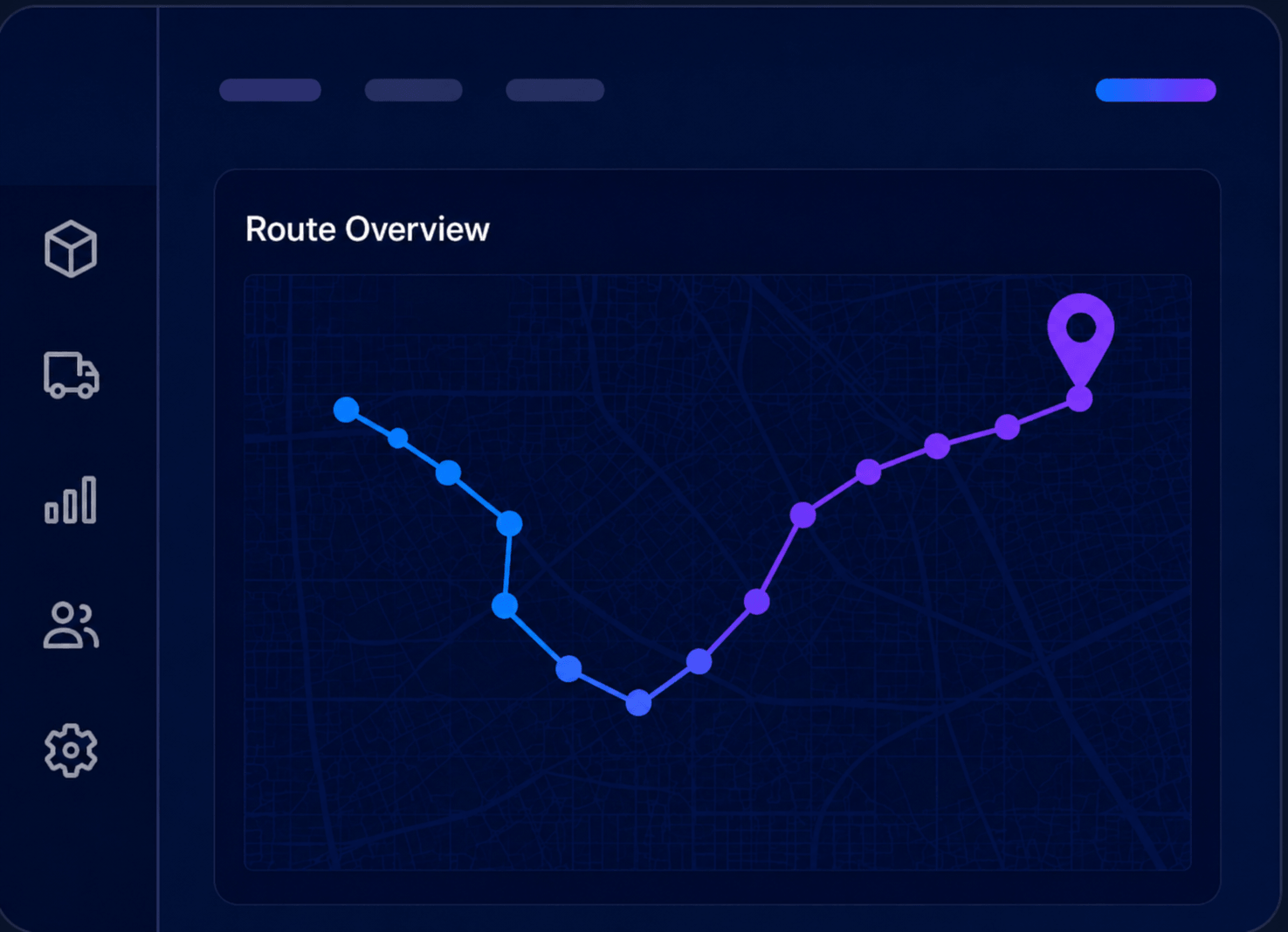
Upper's real-time GPS tracking shows every vehicle's position, status, and arrival time so dispatchers respond to disruptions before service gaps widen.
6 Capabilities to Evaluate in Any Vehicle Tracking Platform
Not every platform labeled as vehicle tracking software delivers the capabilities growing fleets actually need. The following six capabilities form the foundation of an effective vehicle tracking system.
Real-Time GPS Tracking and Location Visibility
What It Does
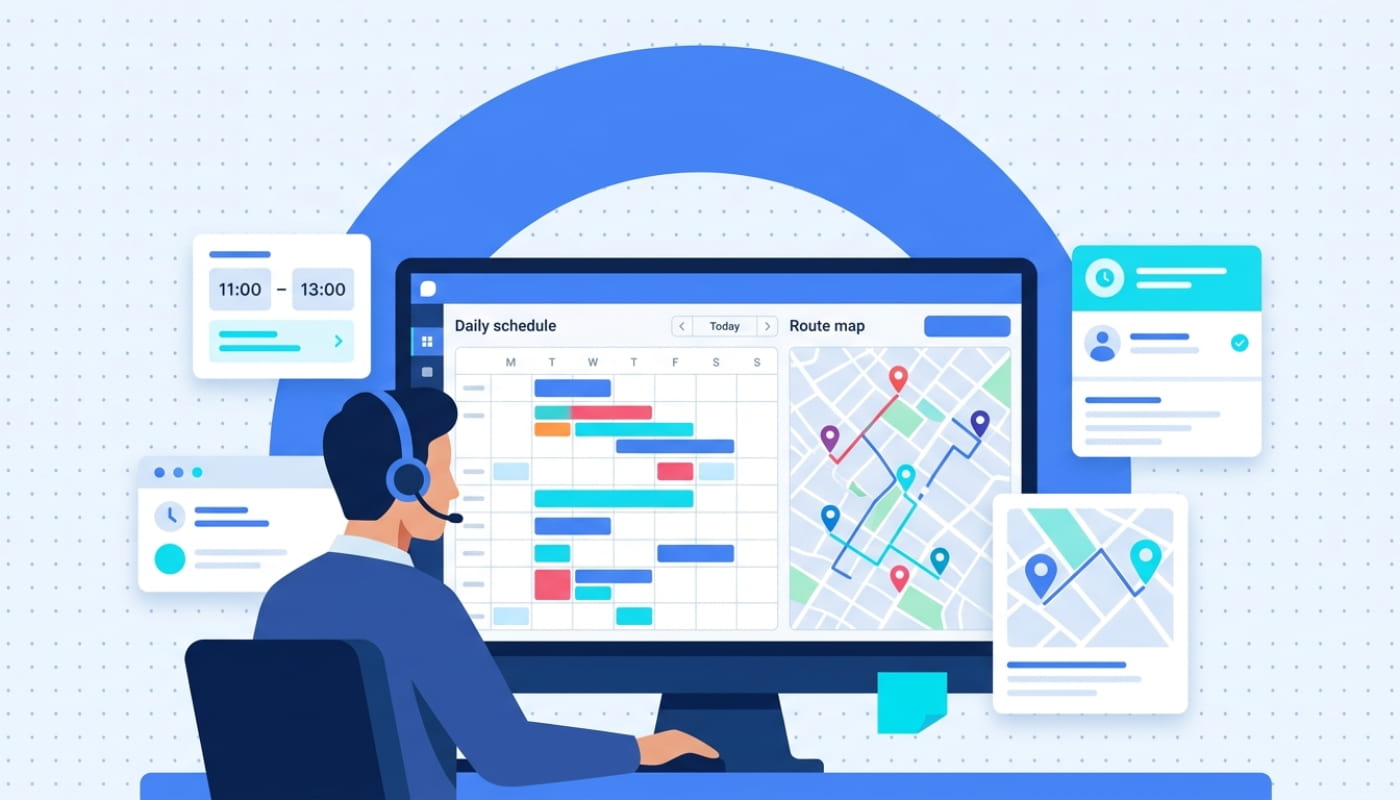
Live GPS tracking provides current position, speed, heading, stop status, and estimated arrival times for every vehicle on an interactive map. Historical route data logs where each vehicle traveled, how long it stopped, and whether it deviated from the planned route. Track delivery vehicles in real time with second-by-second location updates that feed into analytics and dispatch views.
Why It Matters
Dispatchers need instant visibility to respond to breakdowns, traffic delays, or schedule deviations as they happen. When dispatchers can see every vehicle in real time, they reroute backup vehicles before service gaps widen. GPS data also feeds into analytics for on-time performance reporting, route efficiency analysis, and customer ETA accuracy. Without live tracking, a single vehicle breakdown can go unnoticed for 20 or more minutes, cascading delays across the entire day’s schedule.
Geofencing and Automated Alerts
What It Does
Geofence-based driver tracking creates virtual boundaries around job sites, customer locations, warehouses, or restricted zones. The system triggers automated alerts when vehicles enter or exit these zones. Configurable notifications support arrival confirmations, departure alerts, unauthorized area warnings, and time-in-zone tracking.
Why It Matters
Geofencing automates oversight that would otherwise require constant manual monitoring. A delivery fleet can confirm customer arrivals without phone calls. A service fleet can verify that technicians spend adequate time at job sites. Geofencing reduces off-route driving by up to 35% in delivery and service fleets. Automated customer notifications and proof of service documentation replace manual status updates that consume dispatch time.
Driver Performance and Behavior Monitoring
What It Does
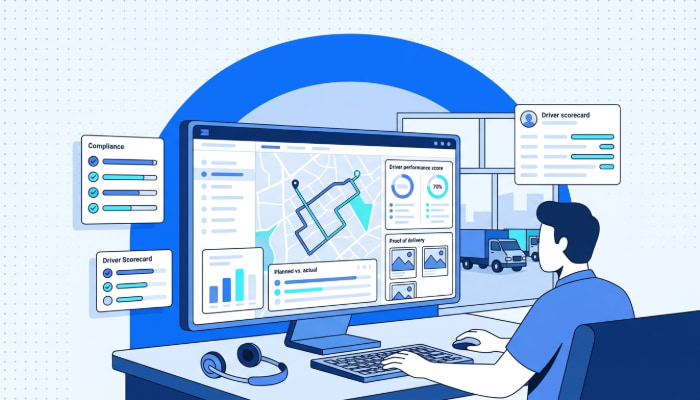
Driver behavior monitoring tracks individual driver metrics, including schedule adherence, idle time, speeding events, harsh braking, rapid acceleration, and stop completion rates. Managers review performance dashboards, compare drivers across routes, and support coaching with objective data rather than anecdotal observations.
Why It Matters
With drivers operating independently across multiple routes, managers need a system that surfaces performance issues before they become safety risks or customer complaints. A driver consistently running behind schedule may need a route adjustment, not a reprimand.
Route Optimization and Planning
What It Does
Algorithmic route planning sequences stops to minimize total mileage, drive time, and fuel consumption while respecting time windows, vehicle capacity, and service priorities. Multi-stop optimization handles 50 to 150 or more stops per vehicle per day, calculating the most efficient sequence in seconds.
Why It Matters
Route optimization directly impacts the two largest variable costs in fleet operations: fuel and labor. For a 20-vehicle fleet, optimized routing can save one to three hours per driver per day and reduce fuel costs by 15-25%. Without optimization, drivers follow habitual routes or manual sequences that add unnecessary miles to every shift.
Smart Analytics and Reporting
What It Does
Route management analytics aggregate operational data into dashboards covering fleet utilization, cost per mile, on-time performance, fuel consumption, driver productivity, and trend analysis. Custom reports let managers drill into specific vehicles, routes, time periods, or cost categories.
Why It Matters
A weekly fleet utilization report might reveal that four vehicles sit idle every Wednesday, suggesting a schedule consolidation opportunity. A fuel consumption trend might show one route burns 20% more fuel than comparable routes, pointing to a routing or vehicle issue. Fleet managers spend an average of 8 hours per week on manual coordination that analytics dashboards automate, freeing that time for strategic decisions instead.
Maintenance Tracking and Vehicle Health Alerts
What It Does
Fleet asset management monitors vehicle mileage, engine hours, and service intervals to trigger preventive maintenance alerts before issues become breakdowns. The system logs repair history per vehicle, tracks service costs, and supports lifecycle planning decisions about when to repair versus replace.
Why It Matters
A single vehicle breakdown during a critical delivery window can delay an entire day’s schedule and damage client relationships. Preventive maintenance reduces unplanned downtime by up to 25%. For fleets where a single roadside breakdown costs $500 to $2,000 in towing, repairs, and missed deliveries, catching issues early saves thousands per vehicle annually.
These six capabilities form the evaluation criteria fleet managers should use when comparing vehicle tracking platforms. A platform that falls short in any one area creates operational blind spots that compound over time.
Top 5 Vehicle Tracking Software in 2026
With dozens of vehicle tracking platforms on the market, narrowing down the right fit requires understanding which platforms address SMB fleet needs out of the box. The following table compares five leading options against the six capabilities outlined above.
| Software | Starting Price | Key Features | Best For |
| Upper | $40/user/month | Real-time GPS tracking, AI route optimization, Driver analytics, Geofencing & POD | SMB delivery fleets needing real-time visibility |
| Samsara | Custom pricing | AI dash cams, Vehicle diagnostics, Driver safety scoring, ELD compliance | Large enterprise fleets |
| Verizon Connect | $20–$45/vehicle/month | GPS fleet tracking, Fuel monitoring, Dispatch management, Compliance reporting | Field service operations |
| Geotab | Custom pricing | Open telematics platform, Engine diagnostics, EV fleet monitoring, Custom integrations | Data-driven fleets |
| Linxup | Custom pricing | Plug-and-play GPS, Geofencing alerts, Trip history, Basic reporting | Budget-conscious SMBs |
Key Takeaways from the Comparison
No single platform fits every fleet. SMB operations running 5 to 50 vehicles should prioritize ease of use, software-based tracking without hardware requirements, route optimization, and driver management over enterprise telematics features they may never need.
Enterprise platforms like Samsara, Verizon Connect, and Geotab offer deep telematics capabilities, but their pricing structures and implementation complexity reflect a larger-fleet buyer profile. Linxup provides affordable basic tracking but lacks route optimization and driver performance analytics.
Pricing scales significantly with fleet size and hardware requirements. Request demos from shortlisted vendors with your actual fleet data to compare the total cost of ownership. The next section covers how to take your shortlisted platform from selection to a successful rollout.
See it in action
Plan Routes for 50+ Stops Per Driver in Under a Minute With Upper
Upload your stops, set constraints, and get optimized routes for your entire fleet in seconds. No hardware required.
How to Implement Vehicle Tracking Software
With the top platforms identified and compared, the next step is putting your chosen vehicle tracking software into action. The following steps provide a realistic roadmap for fleet operations of any size.
Audit Current Fleet Operations and Identify Visibility Gaps
Document existing tracking, dispatch, maintenance, and reporting workflows in detail. Walk through a typical day with dispatchers and drivers to identify where blind spots, manual processes, or communication breakdowns create the biggest operational drag.
Common findings include dispatchers making 15 or more phone calls per day to locate vehicles, no system for tracking idle time or route deviations, and maintenance logs stored in spreadsheets that nobody reviews proactively. These gaps become your implementation priorities and your benchmarks for measuring improvement.
Define Requirements and Evaluation Criteria
Translate operational gaps into specific system requirements. If you have no real-time visibility, live GPS tracking is non-negotiable. If fuel costs are your biggest pain point, route optimization and idle monitoring move to the top of the list.
If driver accountability is the gap, behavior monitoring and geofencing are must-haves. Rank features by operational impact and budget, ensuring the platform you select addresses your highest-priority gaps first.
Run a Pilot Program with a Subset of Your Fleet
Deploy the platform on three to five vehicles first. Test GPS accuracy against known routes. Evaluate driver app adoption by observing how drivers interact with the tool on their daily routes. Check that geofence alerts trigger correctly.
Run reports to verify that data flows into analytics dashboards accurately. Use pilot data to refine configurations, set alert thresholds, and build training materials based on real questions your pilot team surfaces.
Roll Out in Phases and Train Your Team
Expand to the full fleet in planned waves, not all at once. Train dispatchers on the dashboard first since they are the system’s primary daily users. Then, onboard drivers in small groups, walking them through the mobile app, schedule views, and any tracking-related features.
Assign a fleet champion who becomes the internal expert and handles questions during the first 30 days. This role is critical for sustaining adoption after the initial rollout energy fades.
Establish KPIs and Measure Early Wins
Define baseline metrics before go-live: average fuel cost per vehicle, on-time delivery rate, dispatch coordination time, idle time per vehicle, and maintenance compliance. Track improvements weekly during the first 90 days.
Early wins, such as cutting fuel costs by 15%, eliminating missed maintenance windows, or reducing dispatch calls by 50%, build momentum and justify the investment to stakeholders who were skeptical during the selection phase.
A structured implementation approach reduces disruption and accelerates time to value. Once the system is live, the next challenge is navigating the common obstacles that surface during and after deployment.
Common Challenges in Implementing Vehicle Tracking Software and How to Overcome Them
Even well-planned implementations run into friction. The difference between fleets that stall and those that succeed comes down to anticipating these challenges and having a mitigation plan ready before they surface.
Driver Resistance and Privacy Concerns
Drivers often view tracking software as surveillance rather than a support tool. When a driver hears “we are installing tracking,” their first reaction is rarely enthusiasm. Adoption drops when drivers feel monitored rather than enabled, and the system’s value depends entirely on drivers using it consistently.
How to overcome it: Frame the system around driver benefits: fewer phone calls from dispatch, clearer daily schedules, digital proof of delivery that protects them in disputes, and route optimization that reduces windshield time. Involve two to three respected drivers in the pilot so they shape the rollout rather than receive it. When peers advocate for the tool, adoption spreads faster than any top-down mandate.
Hardware Installation Complexity and Costs
Traditional vehicle tracking required OBD-II devices or hardwired GPS units in every vehicle, creating upfront costs of $100 to $300 per vehicle plus installation labor. For a 30-vehicle fleet, that is $3,000 to $9,000 before the software subscription starts.
How to overcome it: Evaluate smartphone-based tracking platforms that use driver phones as GPS devices, eliminating hardware costs entirely. Fleet tracking without hardware is now viable for most delivery and service fleets. Phone-based tracking provides real-time location, route history, and driver activity data without installation downtime or per-vehicle hardware fees.
Data Overload Without Actionable Insights
Vehicle tracking systems generate massive data volumes from day one. Without configured dashboards and meaningful alert thresholds, managers drown in metrics that do not connect to decisions. A dashboard showing 47 data points is less useful than one showing the five numbers that actually matter.
How to overcome it: Start with three to five core KPIs: on-time rate, fuel cost per vehicle, idle time, route adherence, and maintenance compliance. Build custom dashboards around these metrics first. Add complexity only as the team matures in data fluency. Review dashboards weekly in a standing 15-minute meeting so data becomes part of the operational rhythm rather than an afterthought.
Balancing Cost Against Operational Needs
Enterprise platforms built for 500-plus vehicle fleets price out SMB operations, while budget tools lack critical capabilities like route optimization or driver behavior monitoring. Fleet managers caught in this gap often delay their decision, losing months of potential efficiency gains.
How to overcome it: Evaluate the total cost of ownership, not just per-vehicle pricing. Factor in fuel savings from route optimization, time savings from automated dispatch, and reduced maintenance costs from preventive alerts. Mid-market platforms often deliver the best ROI for fleets of 5 to 50 vehicles because they provide core capabilities without enterprise overhead, long contracts, or mandatory hardware.
Every implementation challenge has a proven mitigation strategy. Fleets that plan for these obstacles during the selection phase avoid costly setbacks after deployment.
How to Choose the Right Vehicle Tracking Software
Knowing the common challenges and how to overcome them prepares your team for a smoother rollout. The next step is choosing the right vehicle tracking software by evaluating platforms against your specific operational needs. These selection criteria help fleet managers move from a broad shortlist to a confident decision.
Match the Platform to Your Fleet Size and Budget
Enterprise platforms built for 500-plus vehicles add unnecessary complexity and cost for SMB operations. Look for platforms that scale from 5 to 50 or more vehicles without forcing enterprise pricing tiers.
Require Real-Time Tracking as a Non-Negotiable
Any system under consideration must provide live GPS tracking with second-by-second updates. Batch reporting or delayed data is insufficient for modern fleet operations where schedule deviations require immediate response. During vendor demos, verify that location data refreshes within seconds, not minutes.
Evaluate Hardware Requirements vs. Software-Only Options
Decide whether your fleet needs hardware-based OBD tracking or can operate effectively with smartphone-based GPS. Hardware provides engine diagnostics and tamper-proof tracking but adds cost and installation complexity. Software-only platforms using driver phones eliminate hardware costs and deploy instantly.
Prioritize Driver Adoption and Mobile App Simplicity
The most capable system fails if drivers refuse to use it. Evaluate platforms on mobile app simplicity, onboarding time, and daily workflow friction. Request a driver-side demo, not just a manager dashboard walkthrough. If a driver cannot learn the app in 15 minutes, adoption will be a persistent problem that undermines the investment.
Check for Route Optimization and Analytics
Basic GPS tracking shows location. The platforms that deliver ROI combine tracking with route optimization to reduce fuel and labor costs, and analytics to surface trends and improvement opportunities. A tracking tool without optimization is a visibility tool. A tracking tool with optimization is a cost reduction engine.
Ensure Data Portability and Integration
Check whether the platform integrates with your existing dispatch, accounting, or CRM systems. Ask about data export capabilities and open API access so you are never locked into a vendor with no path to migrate. Standard data export formats like CSV and PDF indicate a platform that respects your data ownership.
The right vehicle tracking software should feel like it was built for your operation. Use these criteria during vendor demos to separate platforms that deliver real fleet management value from those that check feature boxes without solving operational problems.
See it in action
Reduce Dispatch Coordination Time by 80% With One-Click Route Assignment
Upper replaces phone calls and spreadsheets with automated dispatch, live tracking, and performance analytics from one dashboard.
Simplify Fleet Visibility and Routing with Upper
Vehicle tracking software has evolved from a simple GPS location tool into the operational backbone of modern fleet management. The right platform eliminates visibility blind spots, reduces fuel and labor costs, improves driver accountability, and provides the data foundation for continuous operational improvement.
Fleet managers need a vehicle tracking platform that delivers real-time visibility, route optimization, and driver management without hardware headaches or enterprise pricing. Upper was built to give growing fleets complete operational control from one dashboard:
- Real-time GPS tracking that shows every vehicle’s location, status, and ETA on a live map so dispatchers respond to disruptions before service gaps widen
- Route optimization that sequences multi-stop routes to minimize mileage and drive time, cutting fuel costs by 15-25%
- Driver performance analytics that surface schedule adherence, idle time, and completion rates, turning raw data into targeted coaching opportunities
- Geofencing and alerts that automate arrival confirmations, departure notifications, and off-route warnings without manual monitoring
- Smart analytics dashboards that convert daily fleet data into actionable insights on utilization, costs, and operational trends
See how Upper gives fleet managers complete vehicle tracking and fleet visibility. Book a demo to see the platform in action with your fleet data.
Frequently Asked Questions on Vehicle Tracking Software
Most platforms charge per vehicle per month. Mid-market solutions range from $20 to $50 per vehicle monthly. Enterprise platforms with telematics hardware can exceed $80 to $100 per vehicle when factoring in hardware costs, installation fees, and training. Software-only platforms that use smartphone GPS eliminate hardware costs entirely and typically start at $30 to $40 per vehicle per month.
Yes. Modern vehicle tracking platforms can use driver smartphones as GPS devices, providing real-time location data, route tracking, and driver activity monitoring without OBD-II devices or hardwired units. Phone-based tracking is ideal for SMB fleets that want to deploy quickly without hardware installation costs or vehicle downtime.
Vehicle tracking focuses on real-time location visibility, route history, and driver monitoring. Fleet management software is the broader category that includes vehicle tracking plus dispatch coordination, route optimization, maintenance scheduling, compliance management, and comprehensive analytics. Most modern platforms combine both capabilities into a single solution.
Geofencing creates virtual boundaries around specific locations such as customer sites, warehouses, or restricted zones. When a tracked vehicle enters or exits a geofenced area, the system triggers automated alerts to dispatchers or managers. Geofencing automates arrival confirmations, departure notifications, time-on-site tracking, and unauthorized area warnings.
Most fleets see measurable ROI within 30 to 90 days. Common returns include 15-25% fuel cost reductions through route optimization and idle monitoring, 20-30% lower fleet operating costs, 12% improvement in on-time delivery, and 25% reduction in unplanned vehicle downtime through preventive maintenance. For a 20-vehicle fleet spending $8,000 per month on fuel, a 20% reduction saves $1,600 monthly, typically exceeding the software cost within the first month.